Choose a recording space: a clean, quiet room with natural lighting and moderate reverberation is the best place to record your audition video. if you’re recording at home be sure to talk with your family ahead of time and be sure to pick a time when things are relatively quiet.
setting up: make sure your recording equipment is on a stable surface. you can record with your phone, laptop, or tablet, and use household items to prop up your device to make sure you get a good shot. Check that your camera is in front-facing mode (rather than a selfie) and is in a wide (landscape) orientation. set the device 6-10 ft. away from you for the best audio quality. shoot your video at 1080 at 30 frames per second, or consider shooting in 4k.
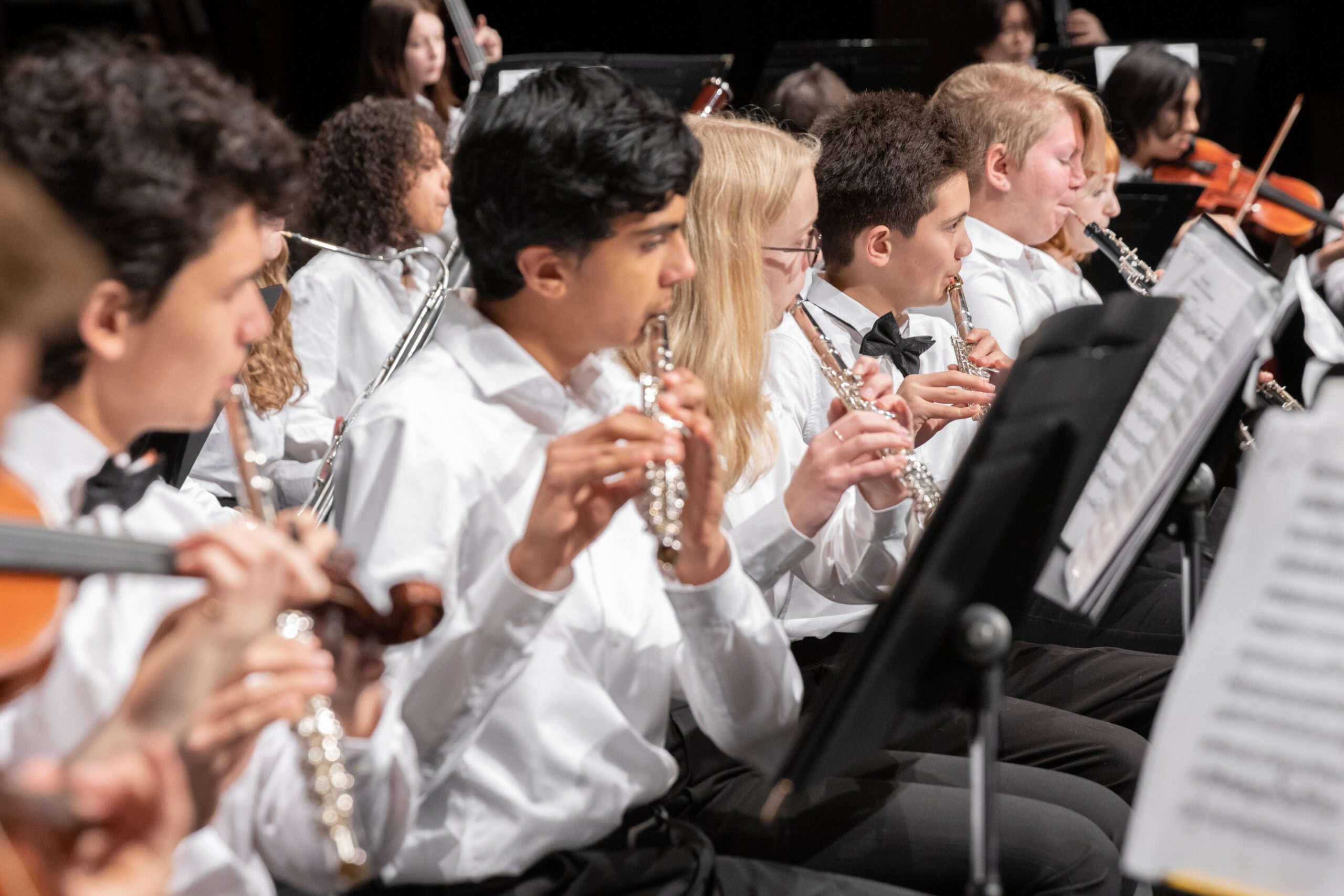
be sure to dress the part!
the recording process: Create a test recording of yourself performing at a range of dynamic levels, then play the video back to ensure everything is working properly. when you are ready record your audition excerpts in order. you will want to record multiple takes so that you can review, and select the best one afterwards. if you make a minor mistake do not stop, play through it! If you make a major mistake, stop the recording, take a break, and begin again. give yourself plenty of time to create your audition video!
the review and submission process: review your recordings when you are finished making them. check musical as well as technical details. you can always send it to a family member, friend, or teacher for feedback. once you’ve selected the highest-quality recording, upload your submission.